SOLIDWORKS Feature Tree Shortcut Keys
Learn essential Feature Tree shortcuts to speed up navigation and improve your SOLIDWORKS workflow.
Latest news, tips from SolidWorks and CAD world,, guides and industry trends to enhance your design journey

Learn essential Feature Tree shortcuts to speed up navigation and improve your SOLIDWORKS workflow.

Learn how to fully restore deleted PDM users with all permissions.

Learn how to apply draft in SOLIDWORKS for mold-friendly designs. This guide explains draft analysis and application tips.

Learn how to unfix components and subassemblies in SOLIDWORKS. Improve flexibility and control in your assemblies.

Learn how to safely move your 3DEXPERIENCE local work folder. Use the CacheMove utility for a seamless relocation process.
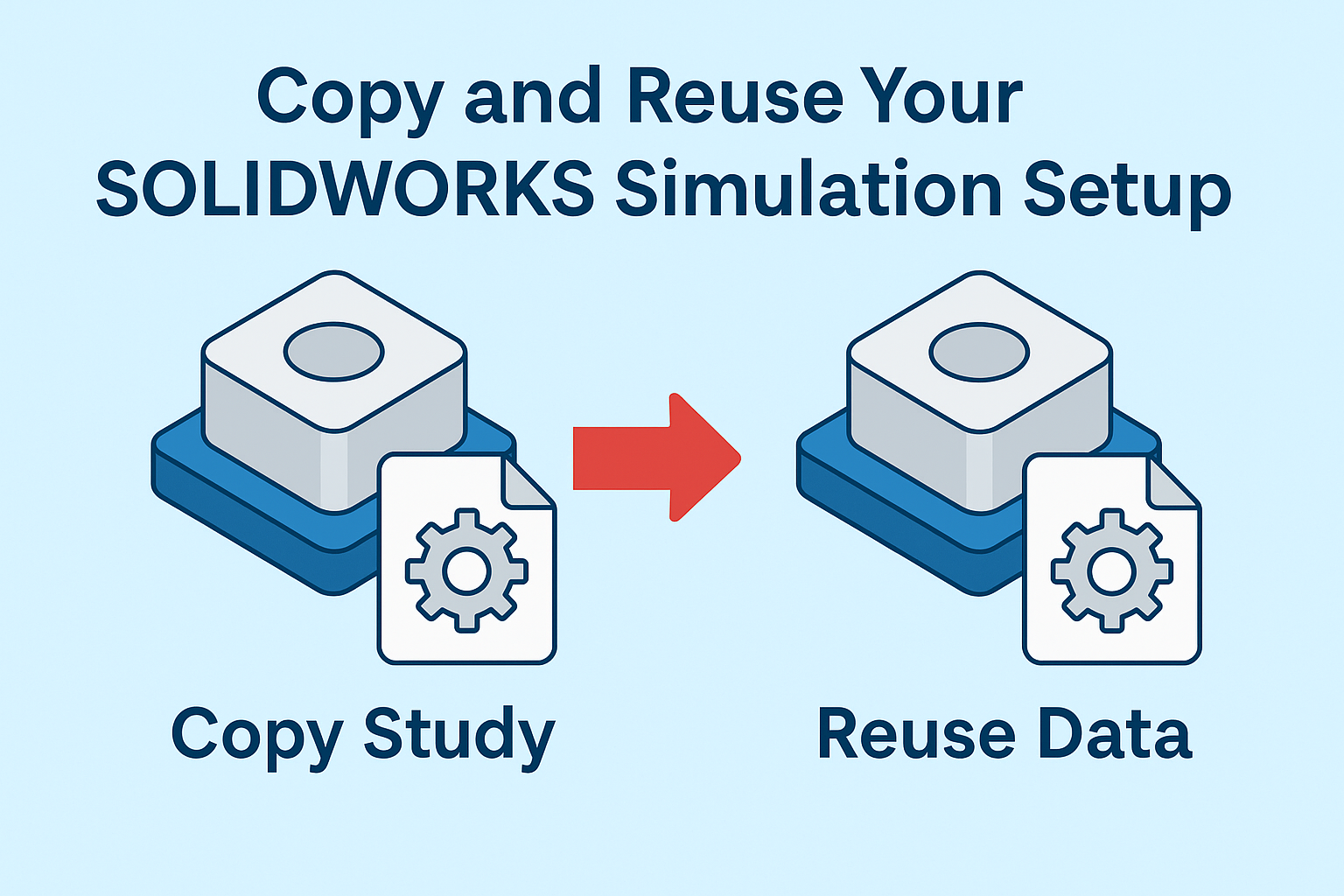
Easily transfer your simulation setup to new studies. SOLIDWORKS Simulation allows fast duplication of study data.

Learn how to fix SOLIDWORKS issues using the built-in repair tool before considering a full reinstall.

Learn how to modify your SOLIDWORKS installation step by step. Serial number, license type and components explained.
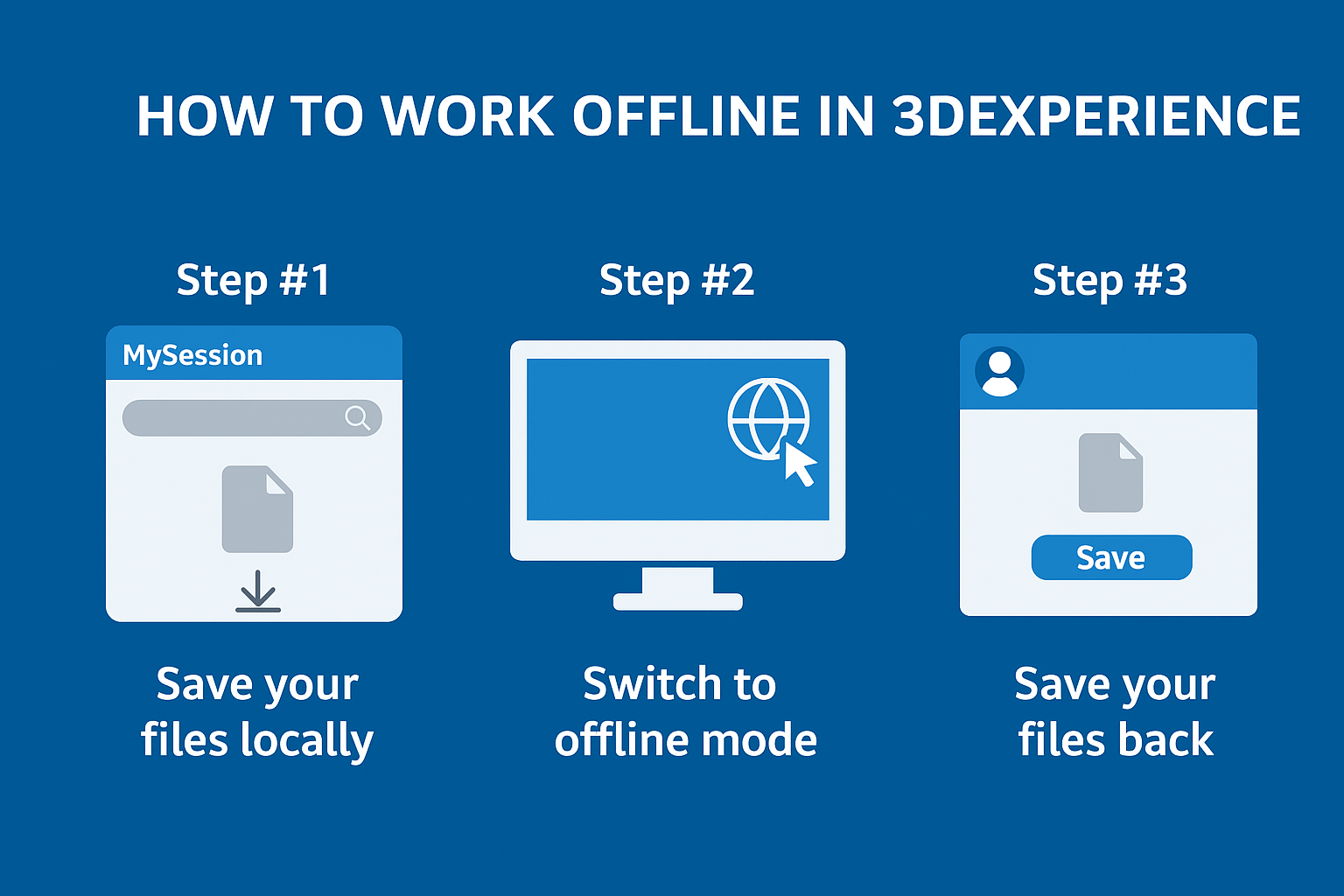
Cache your files first, then switch to offline mode. You can work up to 30 days without internet.
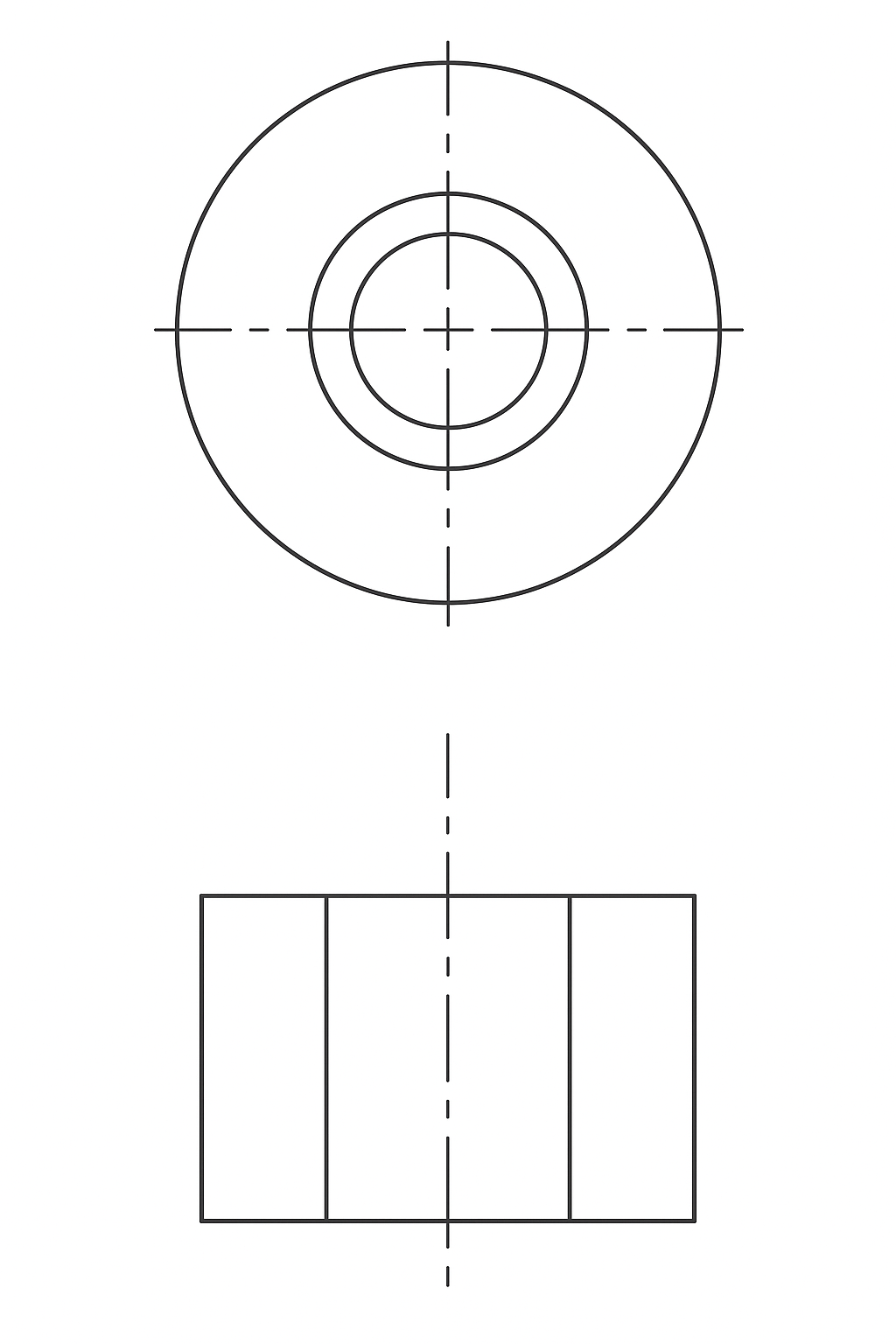
Centerlines may appear solid due to new layer behavior. Adjusting settings restores dashed display.
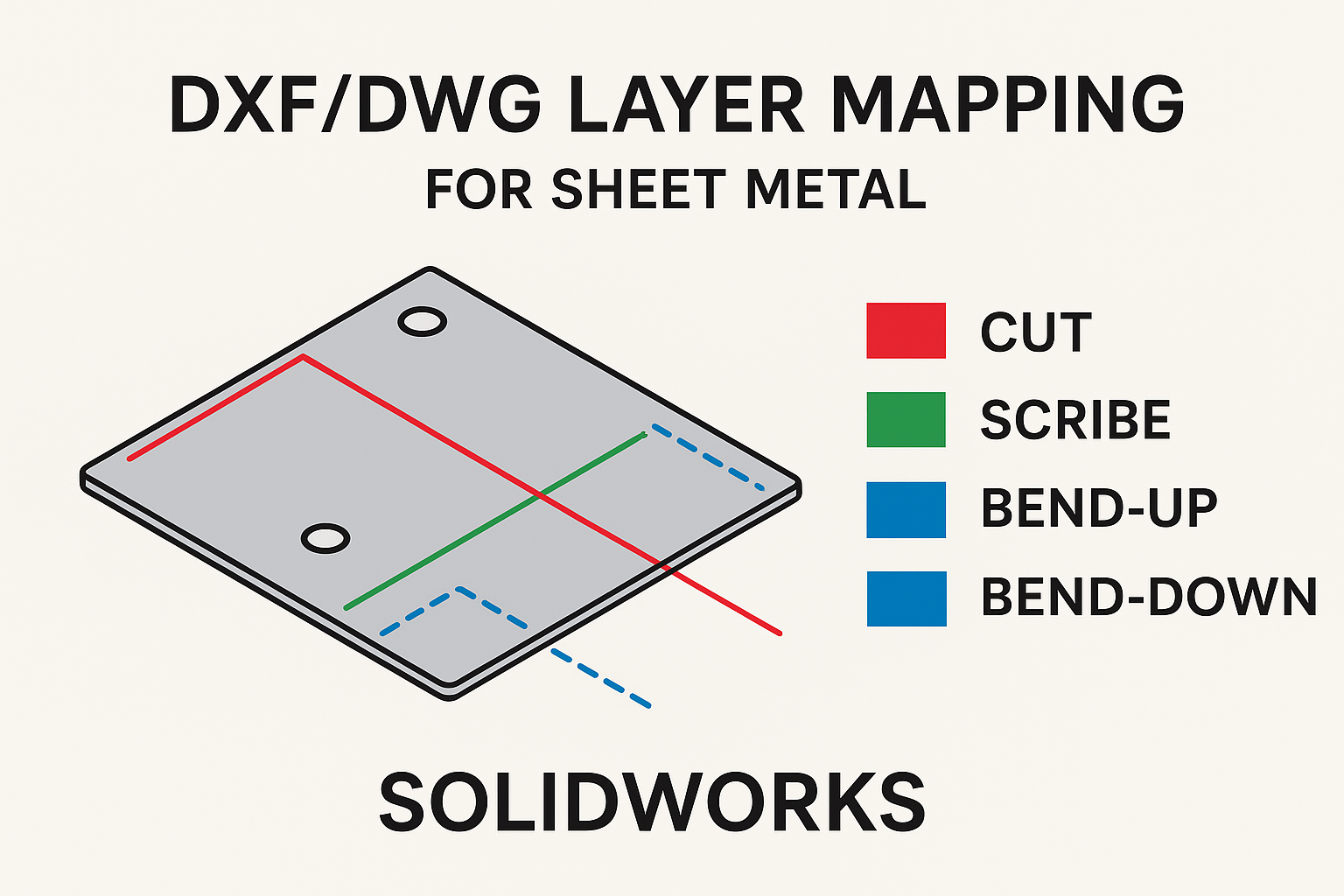
Learn how to map entities by type to specific layers for sheet metal DXF/DWG exports.
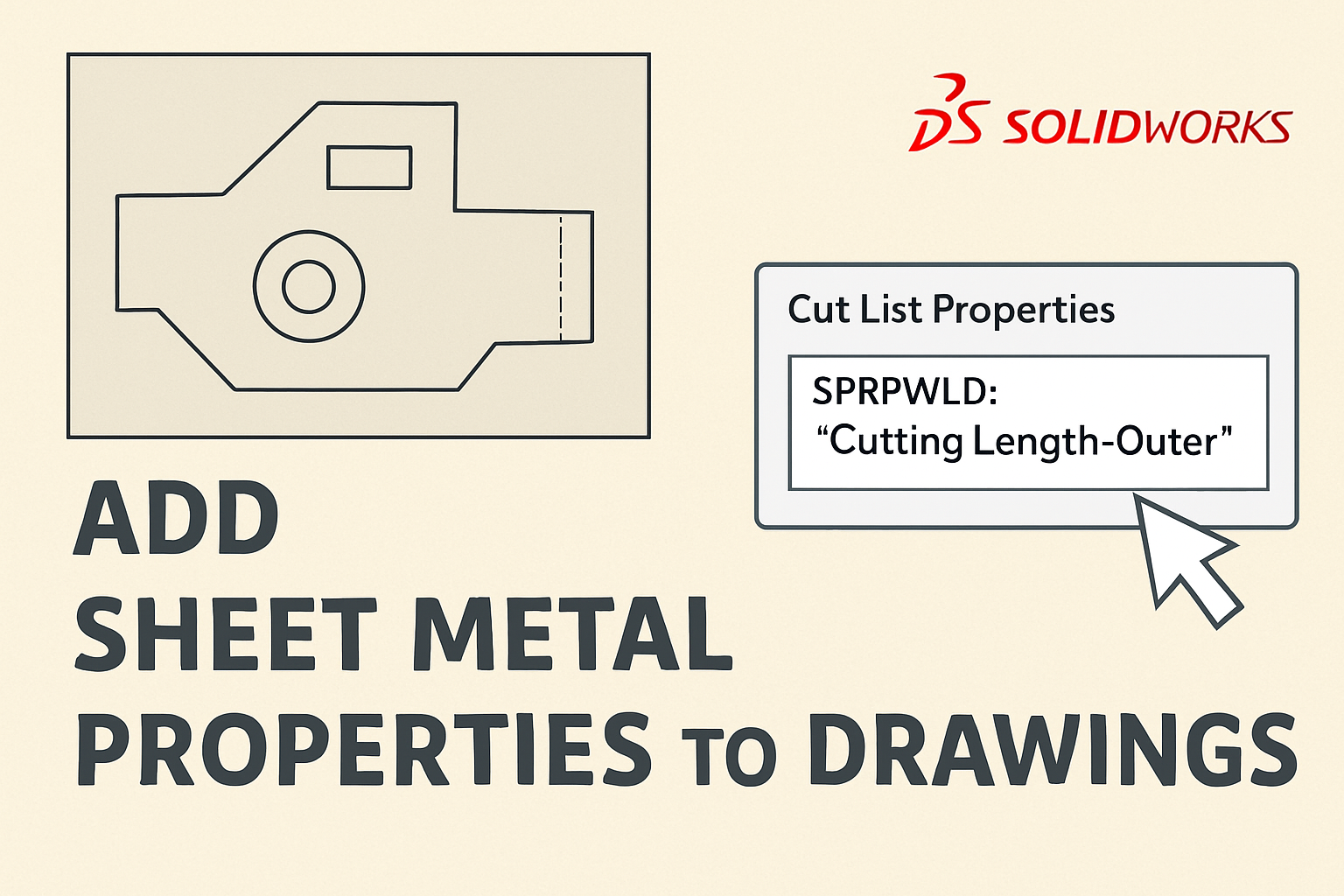
Learn how to easily add sheet metal properties to your SOLIDWORKS drawings.