What is SOLIDWORKS 3D CAD?
SOLIDWORKS 3D CAD is powerful software that enables engineers to create precise 3D models and technical drawings efficiently.
Latest news, tips from SolidWorks and CAD world,, guides and industry trends to enhance your design journey
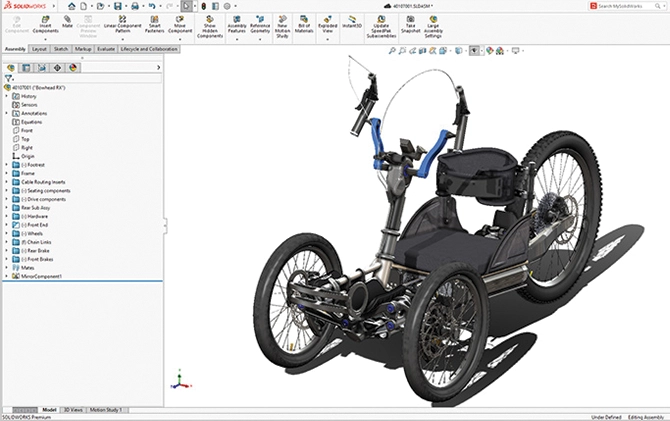
SOLIDWORKS 3D CAD is powerful software that enables engineers to create precise 3D models and technical drawings efficiently.
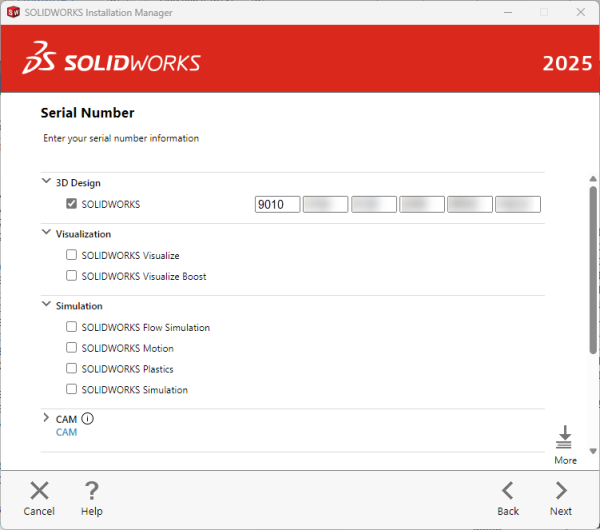
Learn what the characters in SOLIDWORKS serial numbers mean and how to identify your license type.
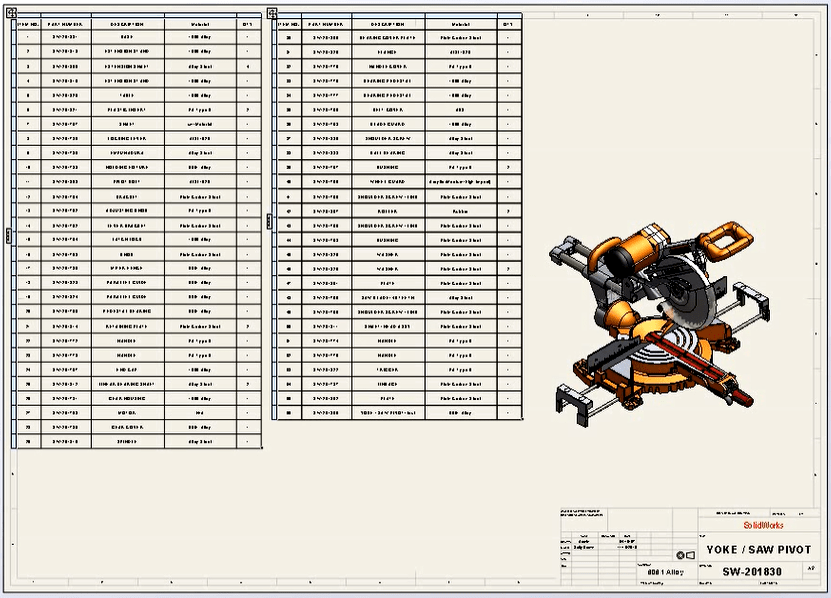
Learn how to simplify your SOLIDWORKS BOM by combining part numbers from different sources into one column for cleaner documentation.

Learn how to export BOM data from SOLIDWORKS Manage into XML format. This guide covers configuration, templates, and how to generate structured multi-level BOM exports.

Learn step-by-step how to grant users read and edit access to files in the PDM Vault.
Moving files and folders in SOLIDWORKS PDM may seem as simple as drag and drop, but it requires specific permissions. This article explains in detail the folder and state permissions needed to successfully move files and folders within the vault.
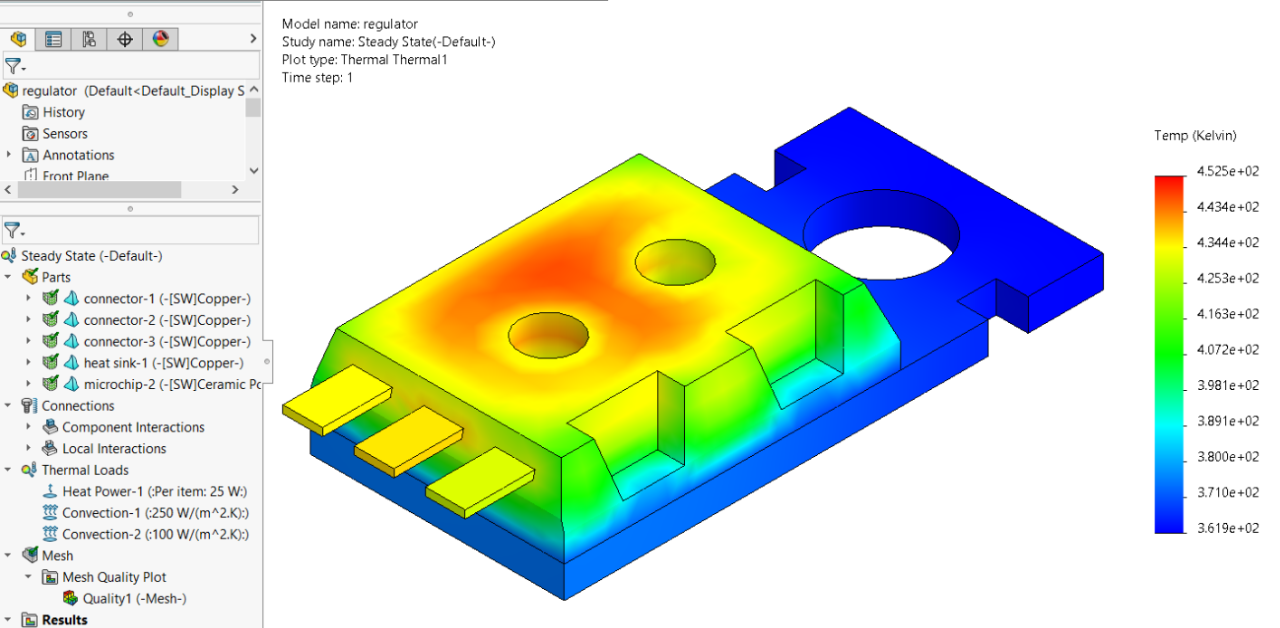
Learn how to model and analyze solar radiation in SOLIDWORKS Flow Simulation to optimize outdoor designs and thermal performance.
Learn step-by-step how to install SOLIDWORKS Standard, Professional, or Premium desktop versions.

SOLIDWORKS 2026 introduces quality-of-life improvements in the assembly environment — smarter save prompts, enhanced configuration/display tables, AI-assisted fastener mating, and control over auto-resolve in lightweight mode.

Step-by-step guide to uninstall 3DEXPERIENCE SOLIDWORKS (Connected or Connector) cleanly from both the 3DEXPERIENCE platform and Windows.
Learn how to import motion studies directly into SOLIDWORKS Visualize Professional and save time creating high-quality animations.

Learn how to safely deactivate your SOLIDWORKS license to transfer it or manage standalone licenses